

Introduction
A timecard app is a digital tool that replaces manual timesheets, allowing employees to log work hours and enabling managers to track attendance, calculate payroll, and analyze productivity. In today’s fast-paced business environment, accurate time tracking is essential for operational efficiency, compliance, and fair compensation. The Triage Timecard App emerges as a specialized solution designed to streamline this critical process. This guide will explain what the Triage Timecard App is, how it works, and its key benefits, providing you with everything you need to know to implement it effectively in your business.
What Is the Triage Timecard App?
The Triage Timecard App is a modern, user-friendly software application dedicated to time tracking and attendance management. Its core purpose is to simplify the recording, submission, and approval of employee work hours. Unlike generic methods, the Triage Timecard App provides a structured platform where time data is collected, organized (“triaged”), and processed for accurate payroll and insightful reporting. It serves as a central hub for both employees clocking in and out and managers overseeing labor costs.
How the Triage Timecard App Works
The workflow of the Triage Timecard App is intuitive and efficient:
- Clock In/Out: Employees log their work hours using a smartphone, tablet, or computer. This can be via a simple button tap, PIN entry, or even GPS/geofencing for field teams.
- Data Submission: Recorded hours are automatically compiled into a digital timecard. Employees can add notes, select job codes, or flag overtime before submission.
- Manager Review & Approval: Submitted timecards are routed to supervisors for review. Managers can easily verify hours, approve them, or request corrections within the app.
- Integration & Payroll: Approved timecards export seamlessly to integrated payroll systems, eliminating manual data entry and reducing errors.
- Reporting: The app generates real-time reports on labor hours, overtime, project costs, and attendance for data-driven decision-making.
Key Features of the Triage Timecard App
The Triage Timecard App stands out due to its robust feature set:
- Mobile & Web Access: Clock in from anywhere with iOS and Android apps or a web browser.
- Geofencing & GPS Tracking: Ideal for remote or field workers; allows clocking in only from designated job sites.
- Real-Time Notifications: Alerts for missed punches, overtime thresholds, and timecard approvals.
- Job/Project Costing: Assign hours to specific clients, projects, or tasks for precise job costing.
- Automated Overtime Calculation: Automatically applies company rules to calculate regular and overtime pay.
- Offline Mode: Employees can record time without an internet connection; data syncs once back online.
- Customizable Pay Periods & Rules: Adapts to your weekly, bi-weekly, or semi-monthly schedule and policies.
Benefits of Using the Triage Timecard App
Implementing the Triage Timecard App offers significant advantages:
- Eliminates Payroll Errors: Reduces mistakes from manual timesheet entry, ensuring accurate employee pay.
- Saves Administrative Time: Automates tracking and reporting, freeing up HR and managers for strategic tasks.
- Improves Compliance: Maintains accurate records for FLSA and labor law compliance, with a clear audit trail.
- Enhances Productivity: Provides visibility into how time is spent, helping identify areas for efficiency improvement.
- Boosts Employee Trust: Transparent, self-service time tracking gives employees control and clarity over their hours and pay.
Triage Timecard App Login and Setup Guide
Getting started is straightforward:
- Account Creation: An administrator signs up on the Triage website and purchases a plan based on team size.
- Company Setup: Configure pay periods, overtime rules, work sites, and job codes in the admin dashboard.
- Add Employees: Import your team via spreadsheet or manual entry. Employees will receive email invitations.
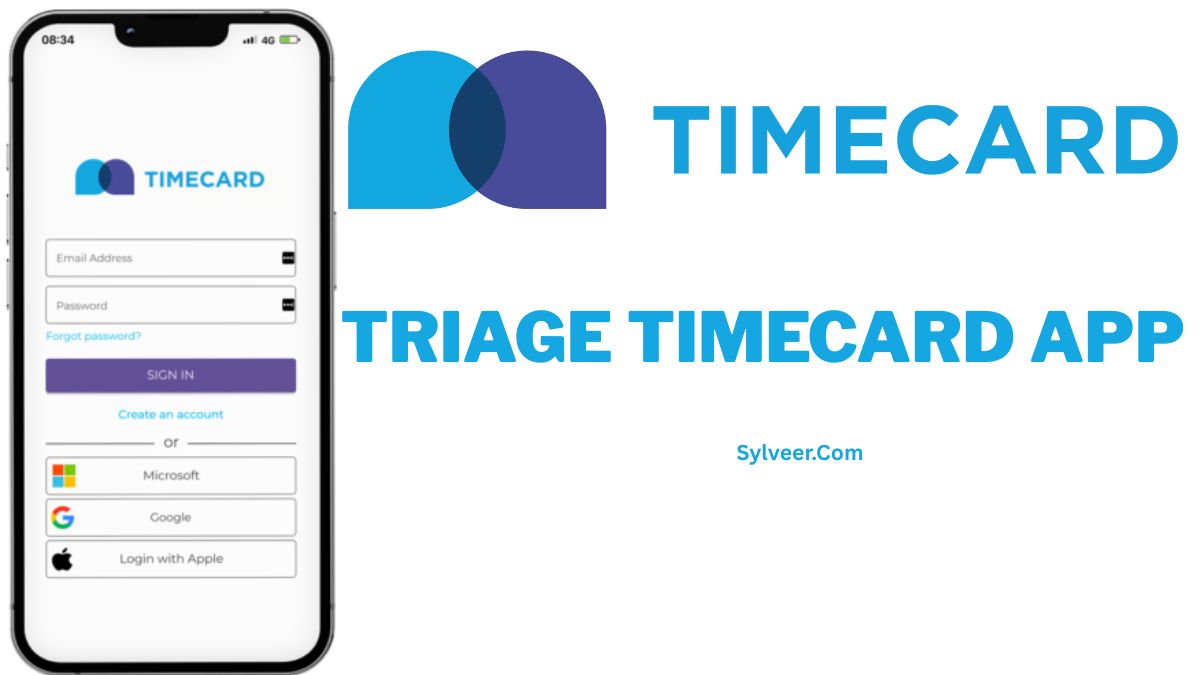
- Employee Login: Team members download the app or visit the login portal, using their provided credentials to access their account.
- Manager Training: Designate supervisors and train them on the review and approval dashboard.
How Employees Use the Triage Timecard App
For employees, the process is simple:
- Download the app or bookmark the web login.
- Use unique credentials to log in to their personal dashboard.
- Tap “Clock In” at the start of a shift and “Clock Out” at the end.
- Review their weekly timecard, add any notes, and submit it for approval by the deadline.
- View their past timecards and pay period summaries.
Is the Triage Timecard App Secure and Reliable?
Yes. The Triage Timecard App uses enterprise-grade security measures, including:
- Data Encryption: All data is encrypted in transit and at rest.
- Secure Cloud Storage: Information is stored on secure, redundant servers with regular backups.
- Role-Based Access: Permissions ensure employees only see their own data, while managers access their team’s information.
- High Uptime: The service is built for reliability, ensuring the app is available when you need it.
Common Issues and Troubleshooting
- Forgotten Password: Use the “Forgot Password” link on the login screen.
- Missed Punch: Employees can log a manual time entry, pending manager approval.
- GPS Not Working: Ensure location services are enabled on the mobile device.
- App Sync Delays: Check internet connection; use offline mode if available.
- Approval Delays: Remind managers via the app’s notification system to review pending timecards.
Triage Timecard App vs Other Time Tracking Apps
While many time tracking apps exist, the Triage Timecard App is specifically optimized for the “triage” and approval workflow of employee hours. It focuses less on minute-to-minute productivity tracking and more on robust, accurate attendance and payroll-focused data collection. It often offers stronger geofencing and job-costing features than basic timer apps and is more specialized and user-friendly than overly complex enterprise suites.
Who Should Use the Triage Timecard App?
This app is ideal for:
- Small to medium-sized businesses (SMBs) seeking an affordable, dedicated timecard solution.
- Companies with remote, mobile, or field-based employees (construction, healthcare, consulting).
- Businesses that need precise job costing for client billing.
- Managers tired of chasing paper timesheets and dealing with payroll discrepancies.
Conclusion
The Triage Timecard App provides a powerful, secure, and intuitive solution to the universal challenge of tracking employee time. By automating the process from clock-in to payroll integration, it saves time, reduces errors, and provides valuable business insights. Whether you manage a remote team, a field crew, or an in-office staff, this tool can bring much-needed clarity and efficiency to your operations. Investing in a dedicated system like the Triage Timecard App is a strategic step toward smoother payroll processing, improved compliance, and a more trustworthy relationship with your team.
FAQs Section
Is the triage timecard app free?
The Triage Timecard App typically offers a free trial. For ongoing use, it operates on a subscription model (monthly or annual per user). Check their website for current pricing tiers.
Can I use the triage timecard app on mobile?
Absolutely. The Triage Timecard App is built for mobile-first use, with dedicated apps available for both iOS and Android devices.
Is the triage timecard app suitable for remote teams?
Yes, it’s excellent for remote teams. Features like mobile access, GPS verification, and offline tracking make it perfect for managing distributed workforces.
How accurate is the triage timecard app?
The app is highly accurate, recording time to the minute. Using GPS and automated systems eliminates the rounding and recall errors common with manual timesheets.
Can it integrate with my payroll software?
Most modern timecard apps, including Triage, offer integrations with popular payroll providers like QuickBooks, ADP, and Gusto. Confirm specific integrations on their website.
Who can approve timecards in the app?
Administrators can assign manager roles to specific users, giving them permission to review and approve the timecards of their direct reports.
What kind of support is offered?
Support usually includes online help documentation, video tutorials, email support, and sometimes live chat or phone support depending on your plan.